- What are the “Data Status” and “Data Hygiene and Actions” boxes I see on companies, locations, and contact pages?
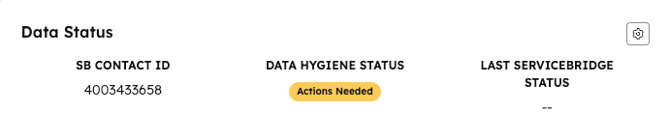
- Data Status: Displays ServiceBridge synchronization related information:
- SB Contact Id: This is the object # from SB that shows in your browser's address bar
- Data Hygiene Status: Shows a color-coded status with the below meanings:
- Created (green):
- Conditions have been met for sync to SB and the sync was successful.
- The information we have entered in the object is in-line with our operating requirements. An example of non-compliance is a "Job Contact" missing a mobile phone.
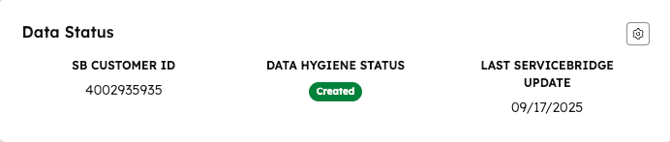
- Not Created (red):
- The object has not been synced with ServiceBridge.
- Please review the "Actions Needed" section below for guidance on what you can do to resolve this issue.
- If there are no "Actions Needed", this label indicates an underlying error in the system.
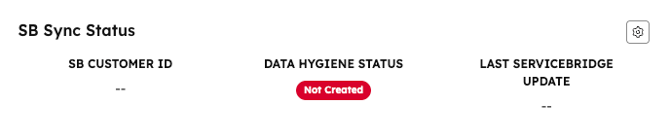
- Action Needed (yellow):
- The data entered in this object does not align with our operational standards and you need to correct it.
- Please refer to the "Actions Needed" section in the next box below for clear steps to resolve this issue. The intent is for users to notice this yellow flag and correct the problem while actively working within the object.
- Once 30 minutes has passed, we assume that the user has moved on without seeing the message. A ticket is created to ensure the issue is resolved and the text in "Actions Needed" is removed.
- Created (green):
- Data Hygiene and Actions: Guides us when there is a data hygiene issue where the information entered in the object does not meet our operational standards. Examples of what you may see here are:
-
Contact has been Associated with a mismatched location and company: A contact is associated with a location and not associated with a company that owns that location. Contacts must be associated with the company owning that location.
-
A contact with a “Job Contact” association label does not have a mobile number: Mobile numbers are required for on job contacts.

-